
Quick Answer
What a USDT Wallet Actually Is
USDT is a token, not a chain. It is issued on several networks, and a wallet is the software that holds the keys controlling an address on one or more of those networks.
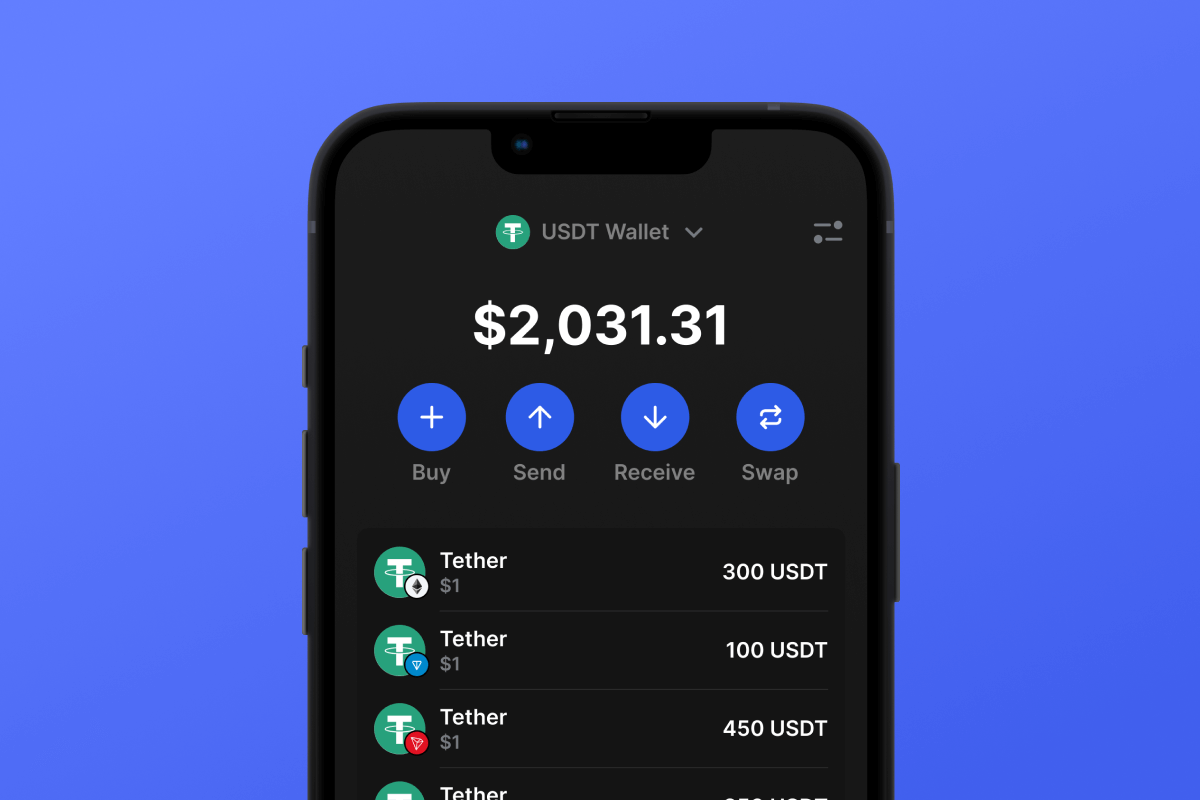
That distinction explains most of the confusion beginners hit. There is no single USDT address that works everywhere. The same balance can exist as TRC20 USDT on Tron, ERC20 USDT on Ethereum, BEP20 USDT on BNB Smart Chain, or as a token on Solana or TON. Each is a separate ledger entry, and each needs the right address format.
A wallet does two jobs:
- It stores the private key or seed phrase that proves ownership of an address.
- It reads the chain and displays the balances and transactions attached to that address.
If you use a custodial service, someone else holds the keys and you hold a login. If you use a self custody app, you hold the keys and nobody can recover them for you. That trade off is the first decision, and it matters more than the brand of the app.
Custodial or Self Custody
| Factor | Custodial | Self custody |
|---|---|---|
| Who controls the funds | The provider | You |
| Recovery if you lose access | Account recovery through support | Recovery phrase only |
| Setup effort | Minutes | Under an hour, plus backup discipline |
| Identity checks | Usually required | Not required by the software |
| Convenience for business payments | Higher, with statements and support | Lower, but fully under your control |
| Main risk | Provider failure, account freeze | Lost keys, phishing, device compromise |
For a business paying suppliers, a custodial account with proper records is often the practical choice. For long term holding, self custody removes counterparty risk. Many people use both: a custodial account for day to day movement and a self custody wallet for savings.
Coinbase publishes a plain explanation of how wallets and keys relate, which is a reasonable starting point if the concepts are new. The Coinbase Learn wallet guide covers the basics well. It stops short of the operational detail that matters when a supplier is waiting for payment, which is where a purpose built payment wallet is more useful.
Choose Your Network Before You Choose the App
Network choice decides your fees, your speed and who can pay you.
TRC20 on Tron. The most used network for small and medium USDT transfers, because fees are low and confirmation is quick. Addresses start with a T. Sending requires bandwidth and energy, which the wallet either holds or burns as TRX.
ERC20 on Ethereum. The most widely integrated network, and the most expensive per transfer when the network is busy. Addresses start with 0x. Good for compatibility, poor for frequent small payments.
BEP20 on BNB Smart Chain. Low fees, 0x addresses, wide exchange support. A practical middle ground.
Solana. Very low fees and fast confirmation, with a different address format and a smaller set of supporting services.
TON. Growing for Telegram integrated payments, with its own address conventions and wallet apps.
Pick one primary network based on what your counterparties accept. Sending the right token on the wrong network is the most common expensive mistake in stablecoin payments, and it is usually not recoverable without the cooperation of the receiving platform.
Step by Step
1. Decide who holds the keys
If this is a business account, decide who inside the business has access and whether two people must approve withdrawals. A shared login with no controls is an internal fraud risk before it is an external one.
2. Choose your network
Confirm what your suppliers, customers or exchange accept. If you are sending to a supplier, ask for the network in writing along with the address, and keep that message.
3. Install from the official source
Use the official website or the verified app store listing. Check the developer name, the download count and the reviews. Fake wallet apps are a persistent problem, and they look convincing.
4. Write down the recovery phrase offline
The recovery phrase is the wallet. Anyone who has it controls the funds. Write it on paper or stamp it into metal, store it somewhere physically secure, and never photograph it, email it, or type it into a website.
If the app offers a cloud backup, understand exactly what is being backed up and who can access it. Convenience here is usually paid for in control.
5. Secure the app itself
Set a strong passcode, enable biometric unlock, turn on transaction confirmations and, where the wallet supports it, connect a hardware device for larger balances.
6. Add USDT on the right network
Most wallets let you search for a token and add it. Confirm the contract address from an official source if the app asks you to import a custom token. A lookalike token with the same ticker can be added by mistake.
7. Copy the receive address and check it
Copy the address, then compare the first four and last four characters on both screens. Address poisoning works by sending a tiny transaction from an address that looks similar, hoping you copy the wrong one from your history.
8. Send a test amount
Send a small amount, wait for confirmation, and verify it in the wallet and on a block explorer. Only then send the rest. No legitimate counterparty will object to a test transfer.
9. Record the transaction
Save the transaction hash, the network, the amount and the date. For business payments, this is your proof and your reconciliation trail.
Fees You Will Actually Pay
Two separate costs exist, and they are often confused.
Network fee. Paid to the chain, not to the wallet. On Tron it is paid in energy or TRX, on Ethereum in ETH, on BNB Smart Chain in BNB. It varies with network demand.
Service fee. Some platforms charge for the convenience of a managed wallet, a card purchase, or a conversion. This should be shown before you confirm, and if it is not, that is a reason to look elsewhere.
Tether publishes reserve and transparency information that is worth checking if you are holding a balance rather than moving it through. The Tether transparency page sets out the attestations behind the token. Knowing how the issuer works is part of holding it responsibly, but it does not help you choose a network or avoid a wrong address transfer.
Security Habits That Prevent Most Losses
- Never share a recovery phrase, and never enter it to claim a reward, verify a wallet or unlock an airdrop.
- Treat unsolicited support messages as hostile. Real support does not ask for a seed phrase or a screen share.
- Verify token approvals and revoke ones you do not recognise.
- Keep the device clean: updates applied, no sideloaded apps, no cracked software.
- Use a separate wallet for testing new services, funded with a small amount.
- Check the address on the device screen, not just the clipboard.
- Beware of address poisoning in your transaction history.
Binance Academy maintains a broad library on wallet security and stablecoin mechanics, and it is a good reference for the underlying concepts. The Binance Academy USDT explainer covers issuance and network options. What it cannot do is show you the fee before you confirm a payment or give you one place to manage supplier payments across networks, which is the operational gap a payment wallet fills.
KYC, Limits and Business Use
Custodial services are regulated in most markets and will ask for identity documents, proof of address and sometimes source of funds. That is normal and it is not a reason to avoid them, especially for business use where records matter.
Expect three practical controls:
- Withdrawal limits that start low and rise after verification.
- Travel rule information on transfers above a threshold in some jurisdictions.
- Screening of addresses against sanctions and risk lists.
For a business, the workflow matters as much as the wallet. You need a record of which invoice each transfer settled, the network used, the fee paid and the transaction hash. Build that habit from the first payment, because reconstructing it later is painful.
This is the part DapsyPay is built for. The wallet lets you fund a balance, choose the network your recipient accepts, and see the network fee before you confirm, so a supplier payment is a deliberate transaction rather than a hopeful one. For teams moving stablecoins regularly, that visibility is the difference between a payment process and a series of guesses.
If your business also imports physical goods, the payment discipline is similar to the one in our guide to importing goods from Dubai, where the balance releases the documents. If the goods are vehicles, importing motorcycles covers inspection, crating and the balance payment that releases the export certificate. If you sell online and need the collection side, choosing a cross-border payment gateway covers authorisation, settlement and disputes. And if your buyers or staff are studying abroad, what student accommodation involves explains the deposit and rent cycle those payments feed into.
Common Mistakes
- Sending USDT on the wrong network for the receiving address.
- Screenshotting or emailing a recovery phrase.
- Downloading a fake wallet app from an unofficial link.
- Skipping the test transfer to save a fee.
- Copying an address from transaction history without checking it.
- Assuming a wallet balance is insured or recoverable.
- Failing to record transaction hashes for business payments.
- Keeping a large balance in a hot wallet on a phone.
FAQ
Conclusion
Creating a USDT wallet is a short technical task wrapped in a longer discipline. Choose custody deliberately, pick the network your counterparties use, back up the recovery phrase offline, secure the device, and test every new address with a small amount.
Do that consistently and the wallet becomes ordinary infrastructure. Skip it and the same wallet becomes the most expensive lesson in your payment stack.
Create It, Fund It, Send It With the Fee in View
Fund a balance, choose the network your recipient accepts, and send with the network fee shown before you confirm.
Visit wallet.dapsypay.com